Heltec Meshnode T1 First Look
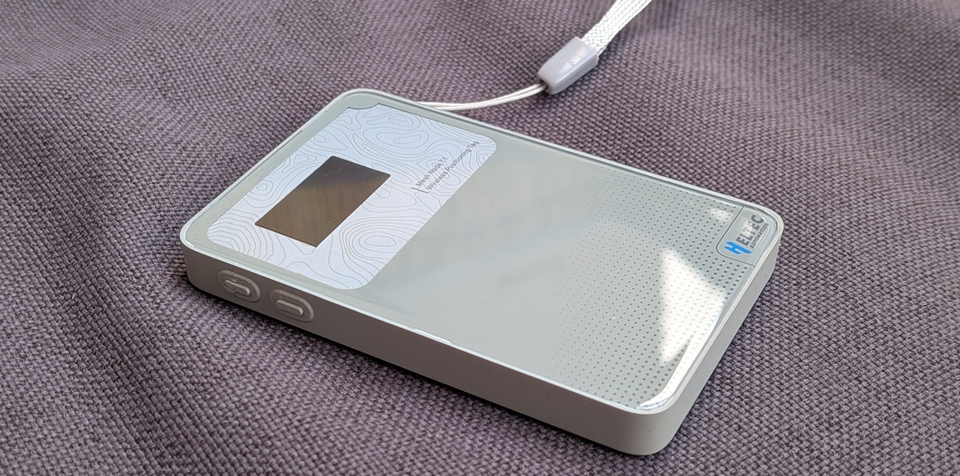
When Heltec announced the Meshnode T1 for 35$, I was excited as it's the first card-sized Meshtastic device I've seen with a built-in compass, GPS, and a display showing direction indicators.
So I ordered a few together with friends for an upcoming festival where we wanted to chat and find each other on the mesh.
This is not sponsored, i bought everything myself, just me doing silly things 😄
This is not a full review, as the device just arrived at my door, but I will try to give you my Hands on experience and do a full review later on.
Unpacking
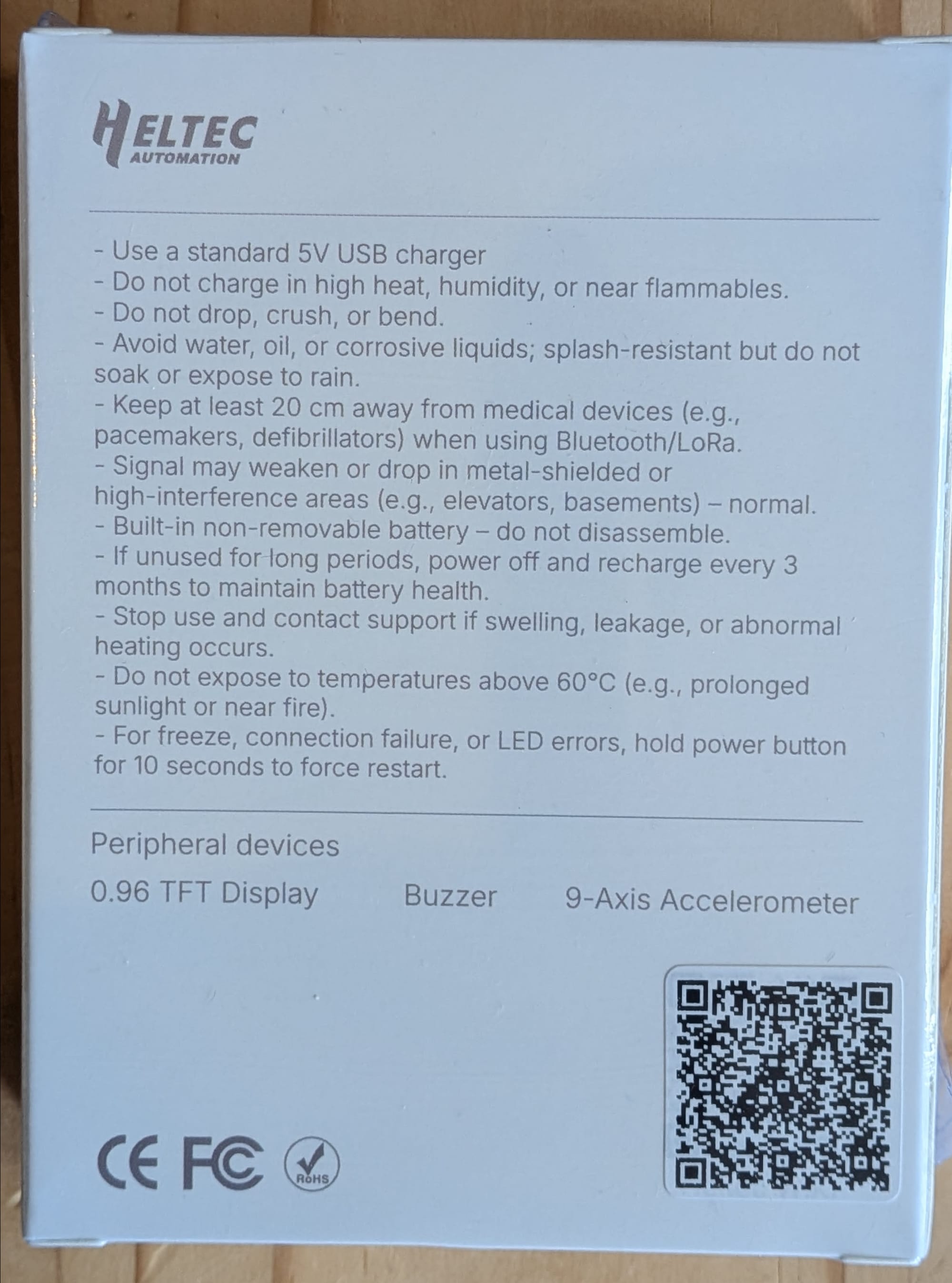
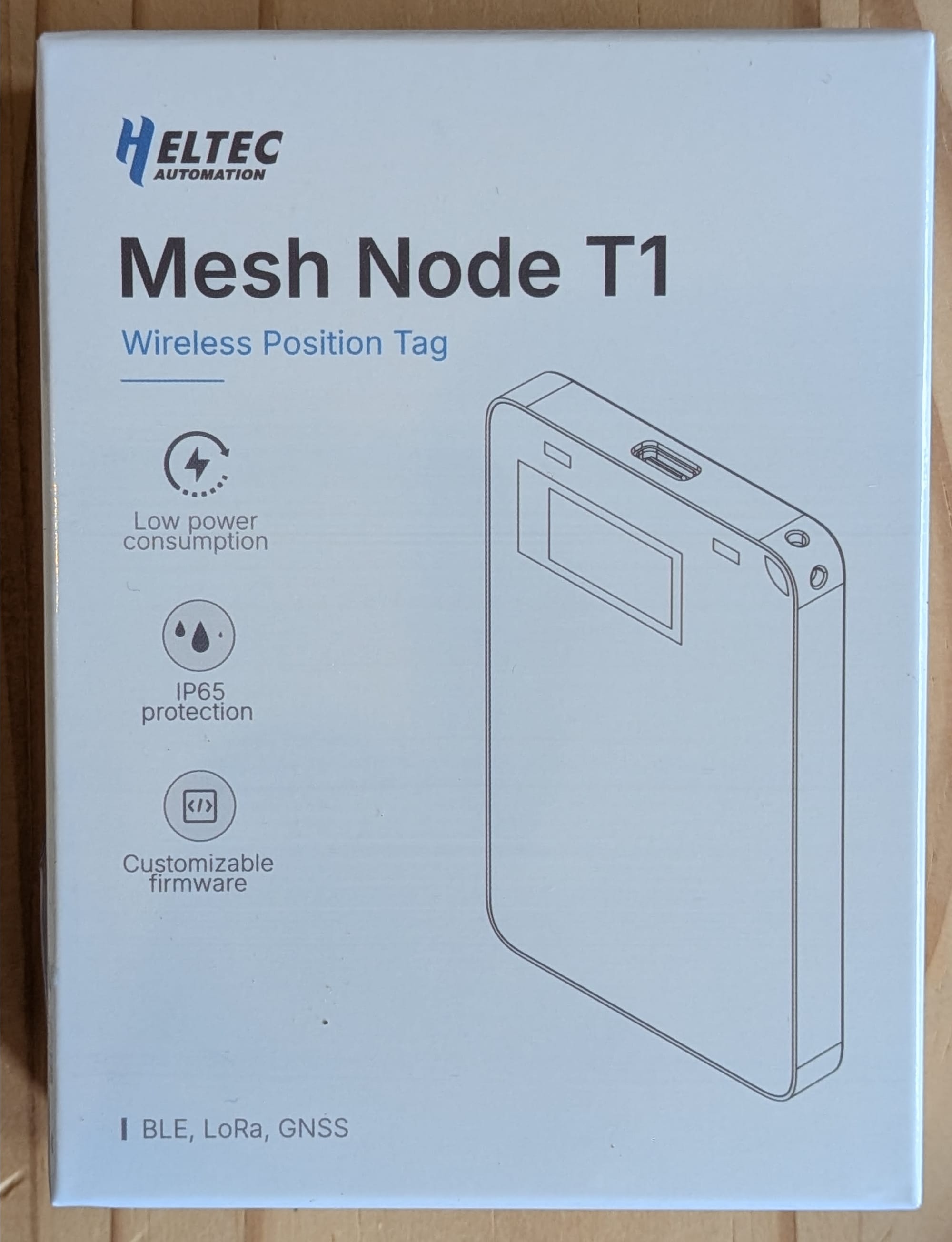
It took exactly 10 days from China when the package was sent out to Germany. Since Heltec first had some production issues, it has been 4 weeks from ordering the devices. The package is quite small and has a hand strap as well as a user manual included.
Powering on
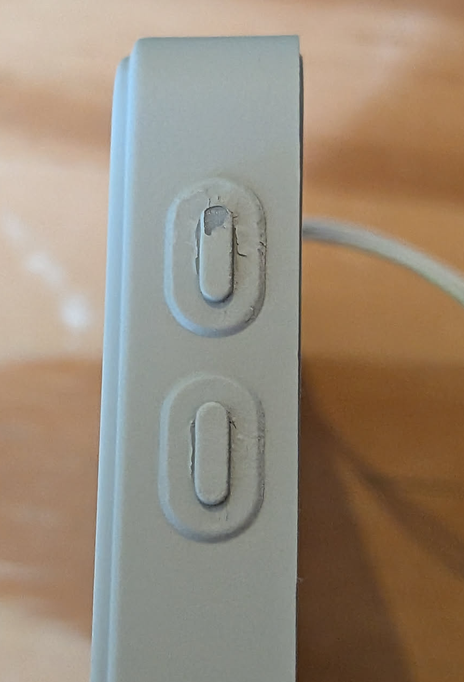
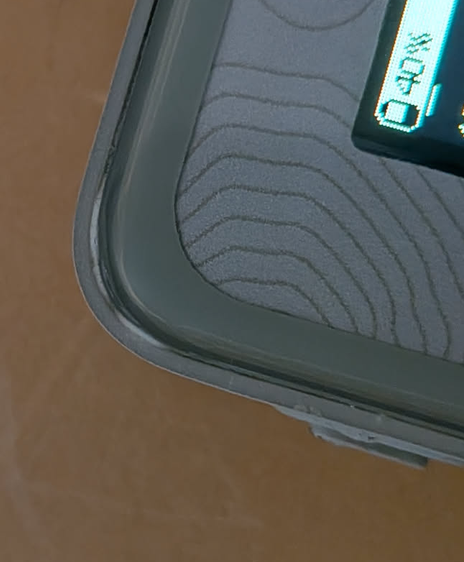
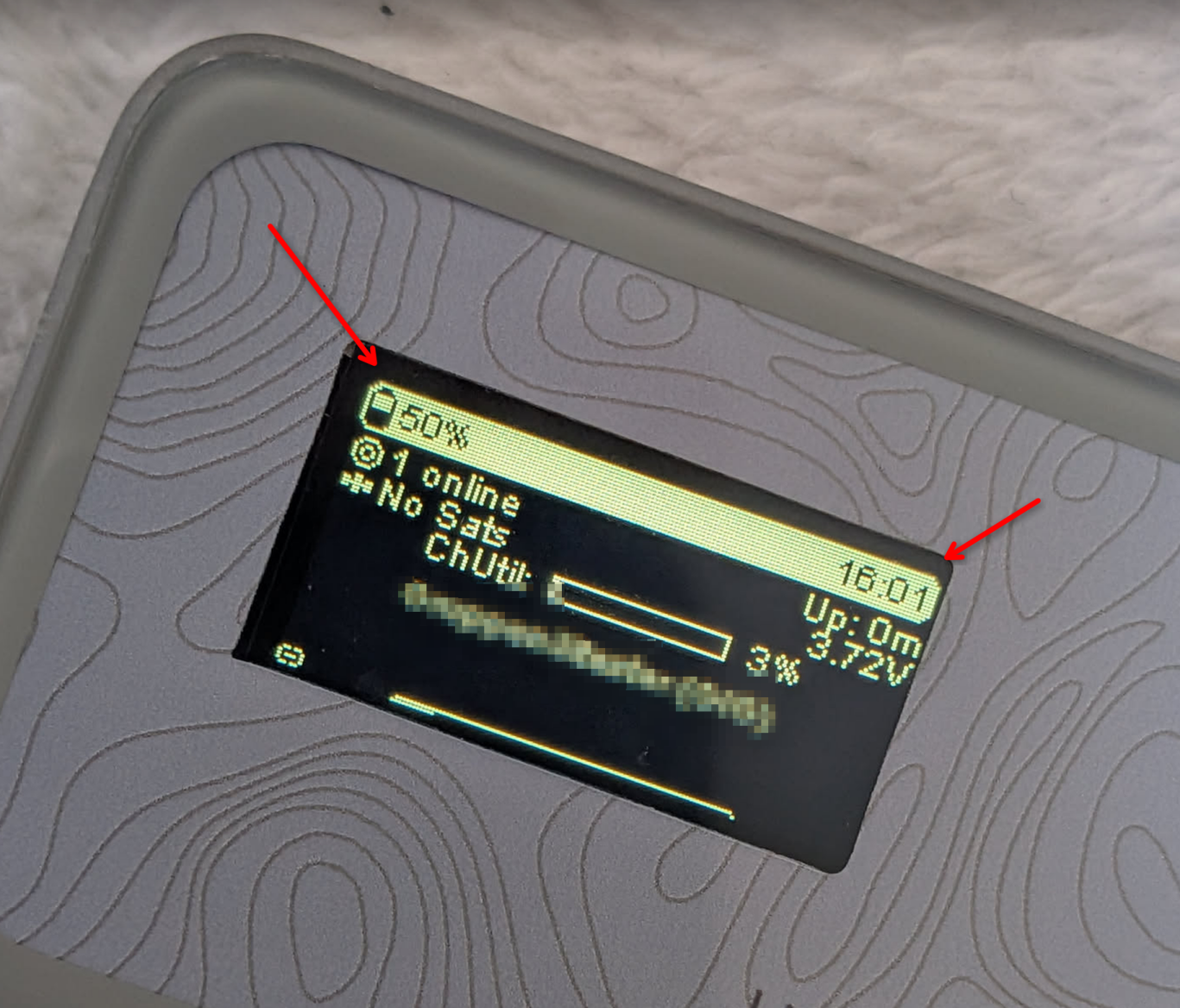
Holding it in hand, the device feels quite premium, it has a glass (like?) front and a soft touch rubbery backside. Although the top left corner seems to have a small production defect as the plastic is a bit white there. Also the buttons on the left side are really hard to press and after a bit of usage, the plastic coating comes off there, this wont impact the usability negative, but doesn't look nice. (update 12h later: one button completely lost its coating) While the device feels good in hand, production quality is not the best. For example, one of our 6 nodes has a slightly tilted screen. The dimensions are almost the same as a normal credit card - except for depth.
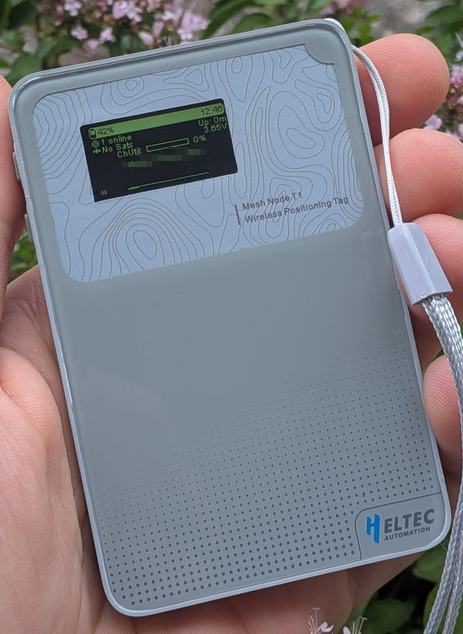
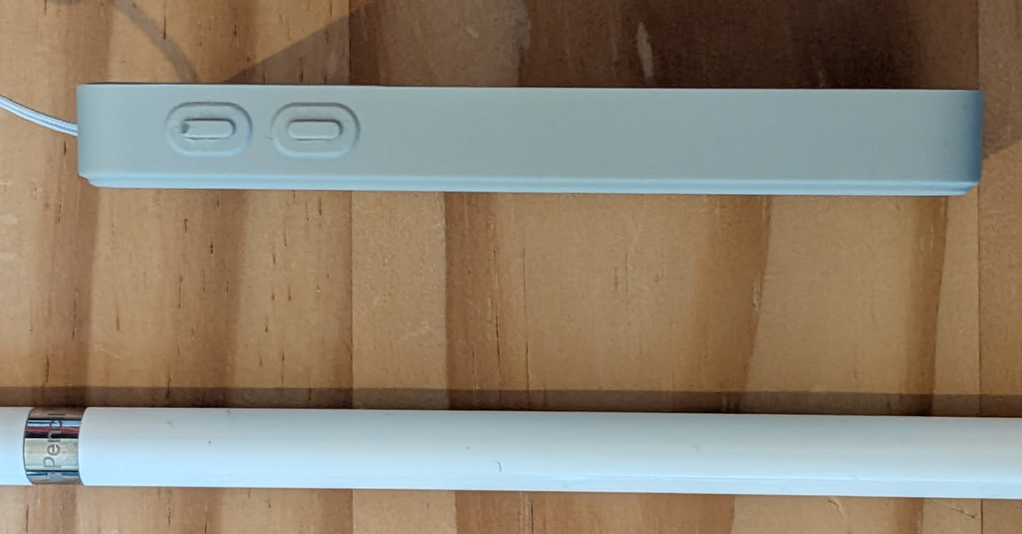
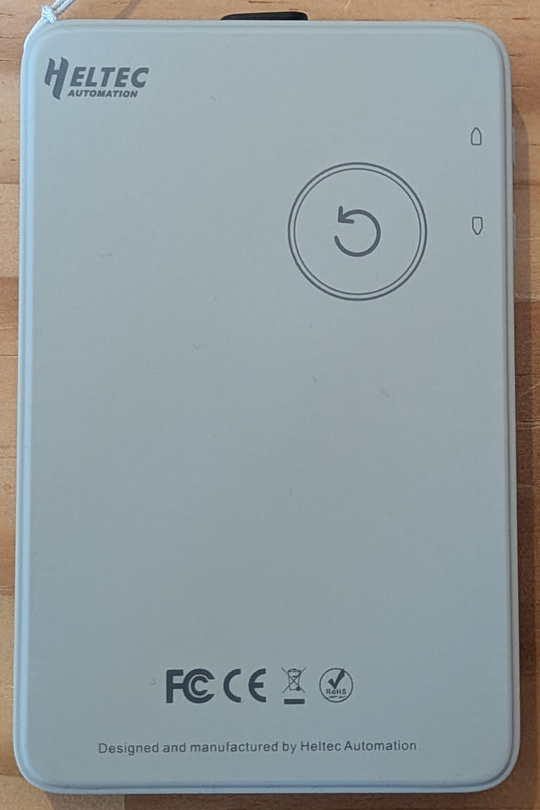
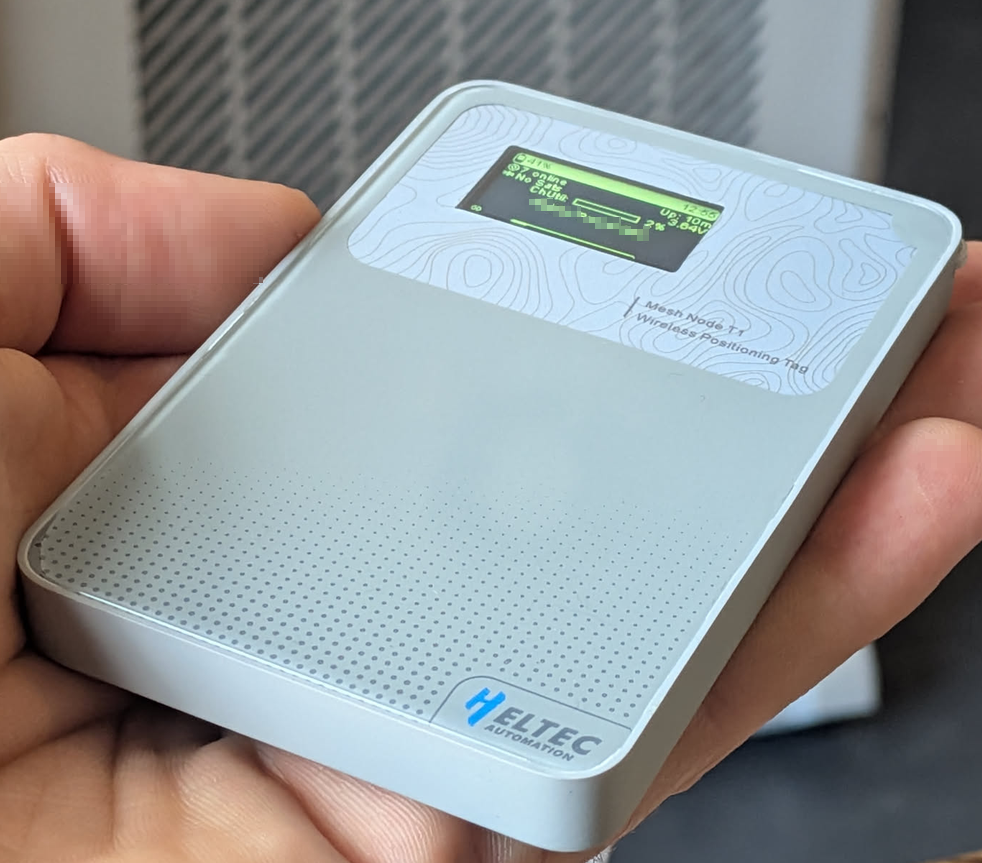
Here is a close picture of the issues I found:
First Setup
Powering on the node, I noticed that Meshtastic was already pre installed. That's great to see, because the Meshnode T1 is not yet available under flasher.meshtastic.org and I am not a big fan of Meshcore as there are current conflicts in the development team, only parts are open source and the coverage is dependent on the line of sight to a repeater, which proofs to be quite difficult in my city.
Now the device has to be connected to the Meshtastic App, I do this by going to Bluetooth settings and selecting the device ID there. After typing the Pincode shown on the device you can reset it to factory Settings in the meshtastic app - thats what I did as all the test nodes from the production line were still listed there.
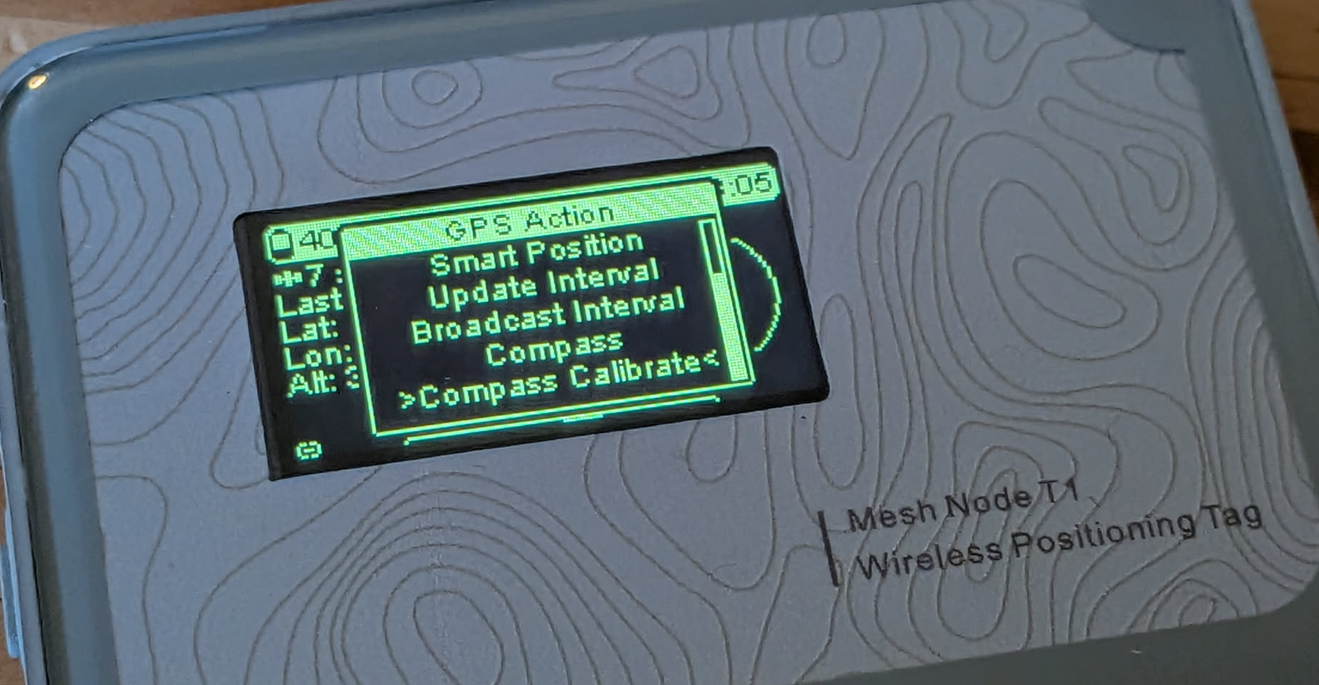
Now the frequency and region has to be set, which can be done with the buttons on the device - these are reversed, so up is down and down is up? - Long press is select, short press is moving through a menu. If that's done, I set a name in the App and went to the Position menu on the device to open the menu (with long press up button) and select the calibrate compass option.
Features
The killer feature for me is the compass, as it allows me to directly see where my friends are (favourite devices are accessible on the device). After calibration it seems to (mostly) find north if the device is held perfectly flat - (Not sure if that's because tilt compensation isn't implemented yet in the firmware, even though there's an IMU on board.) without calibration the reading is complete nonsense, but that's normal :)
Position is provided by the in build GNSS module which wont find a position indoors, but found 9 satellites outdoors in around 2-5minutes which was ~40m off from where I was. If I had given it more time I guess it would have been more accurate, but that's something for the full review :)
The display is NOT an OLED screen but a backlit LCD. I guess for the price of the device cuts had to be made somewhere, but the power consumption will be slightly higher because of this screen. Apart from this, it has a good readability from all angels and is actually really ok to look at outdoors. But there are some ghosting artefacts after using for a few hours. (probably a firmware issue?)
The Buzzer has a good volume although I find it quite annoying like with all buzzers after some time, but you can disable it under modules in the Meshtastic app :)
I cant say anything about battery life or radio quality yet but the SX1262 LoRa transciever is a reliable chip. It will however be interesting how the antenna performs in this small device. The battery size is 1850mAh and therefore bigger than the T1000Es 700mAh - but everything comes down to power optimisation - we will see.
Conclusion
I paid 35$ starter price (with a 10% off coupon code) and for this price this looks like a good deal so far. Now the price is 40$ but even then, comparable alternatives are equal in price or more expensive and lack a screen - but the production quality is better on some alternatives as well as the usability (e.g. joystick or select button). I will write in a few weeks how the device turned out to be after some time - and after a hardcore test on a festival 🤘 - but so far it seems to do what its supposed to do :)
Technical Specification
MCU - Nordic Semiconductors nRF52840
LoRa Chip - SX1262
Battery Capacity - 1850mAh
IP Rating - IP65
GNSS - UC6580
Member discussion